SaccoTek by Kangai Technologies. Serving Saccos since 2017.
Sacco & MFI software that handles loans, check-off and SASRA reports for you
Member accounts, loans, M-Pesa and bank payments, mobile loans and your SASRA returns in one cloud system. Built in Nairobi for Kenyan Saccos.
Every SASRA return, generatedstraight from your ledgers, ready to submit. See the reports
- 2ACapital adequacy
- 2BLiquidity
- 2CDeposits
- 2DRisk classification
- 2EInvestments
- 2FComprehensive income
- 2GFinancial position
- 2HLoans to members
Trusted by Saccos across Kenya





Also Shekinah Sacco, Tujengane Pamoja Sacco, Civilsa Sacco and more.
Built for small and mid-sized Saccos
SaccoTek is cloud Sacco management software (MIS) for small, upcoming and mid-sized Saccos, and for regulated non-withdrawable deposit-taking (Non-WDT) Saccos.
Non-WDT Saccos are regulated by the Ministry of Investments, Trade and Industry, must be registered under the Cooperative Societies Act Cap. 490, and must submit periodic performance reports to SASRA.
SaccoTek runs in the browser, so your team can work from anywhere with an internet connection. We automate Sacco management so you cut operating costs and grow with efficiency and transparency.
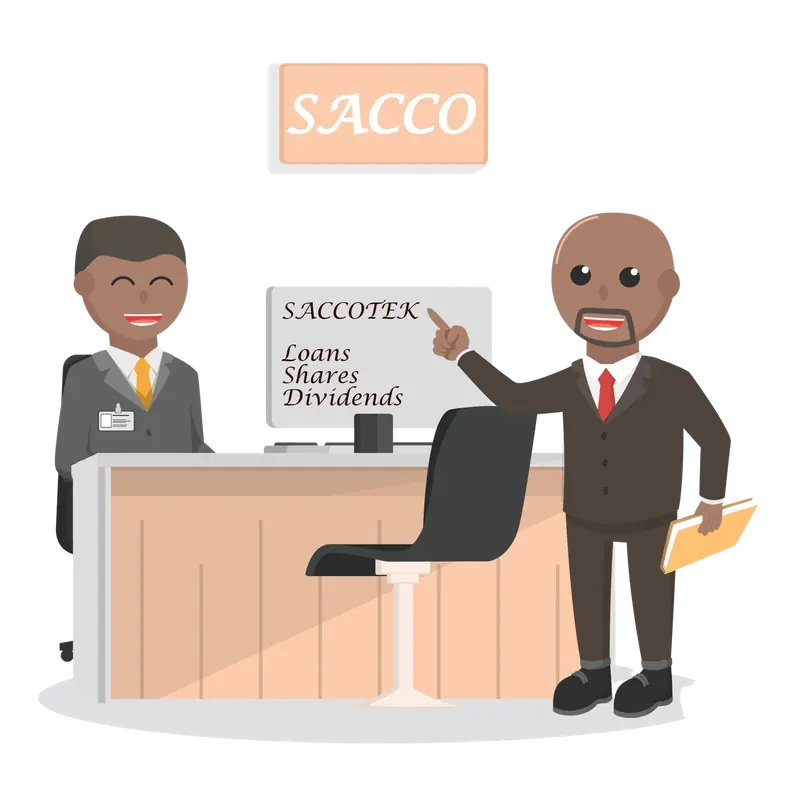
Everything your Sacco runs on, in one system
Nine modules that work together, from the day a member registers to the day you file your returns.
Member accounts
Register individuals, groups and businesses with full KYC, next of kin and beneficiaries.
Loan management
Application, appraisal, disbursement and amortization, with your own loan rules.
SASRA reports
Returns 2A to 2H and your financial statements, generated from your ledgers.
Mobile loans
Instant loans to members’ phones through M-Pesa B2C, via USSD or the portal.
M-Pesa & bank integration
Payments from M-Pesa, Co-op, Equity, Family, KCB and DTB post automatically.
Cash book & general ledger
Receivables, payables and the full general ledger, ready for audit.
Members portal
Members check statements, balances and notices, and print share certificates.
Bulk SMS
Payment confirmations, AGM alerts and reminders under your own Sender ID.
Security & support
Access controls, encrypted data, 30-day backups and 12 months free support.
Why Saccos choose SaccoTek
Encryption and security
Advanced data encryption protects your data and keeps it intact.
Comprehensive reports
Statutory reports and financial statements, all exportable to Word, Excel or PDF.
IFRS 9 compliance
Financial assets, liabilities and contracts are classified and measured the way IFRS 9 requires.
Maker-checker accounting
A maker-checker workflow: every transaction needs at least two people to complete it.
Automated notifications
AGM alerts, payment confirmations and late-payment reminders go out on their own.
Unlimited users and products
No limit on how many staff use the system, or on the loan and savings products you run.
From demo to go-live in five steps
What happens after you get in touch.
Request a demo
Email info@saccotek.co.ke or WhatsApp 0737 283 113. You get a demo link within minutes, plus a proposal with the modules and options.
Agree on the contract
Choose a one-off licence or a subscription. Training, integration, support and SMS costs are listed up front, with no hidden charges.
Connect your payments
We give you a letter template for your bank or Paybill provider. M-Pesa goes live in 3 to 7 working days; banks take 14 to 45.
Train your team
Your staff are trained free of charge and receive a certificate on completion.
Go live with support
You get 12 months of free support and maintenance, with remote help over AnyDesk or TeamViewer and regular follow-ups.
Two ways to pay
Pricing depends on your number of users, your location and the scope of your data. Either way, there are no hidden costs.
One-off licence
Own the software outright
You pay an agreed fee once, and the software licence is transferred to your Sacco as a deed of full ownership.
- 12 months free support and maintenance
- Free user training with certificates
- Unlimited users and products
Subscription
Pay as you go
You pay monthly, quarterly or annually for a licence to use the software, so there is no large upfront cost.
- Choose monthly, quarterly or annual billing
- Free user training with certificates
- Unlimited users and products
Training, integration, support and bulk SMS costs are itemised in your contract. Once agreed, the price is final.
Get a proposal for your Sacco
Is SaccoTek web-based?
Yes. SaccoTek runs in any secure browser, such as Google Chrome, Mozilla Firefox or Brave.
We host it on our own cloud servers, so your team can work from anywhere with an internet connection.
How much does the software cost?
Pricing depends on the number of users, your physical location and the scope of your data.
There are two ways to pay. With a one-off licence you pay an agreed fee and the licence is transferred to you as a deed of full ownership. With a subscription you pay monthly, quarterly or annually for a licence to use the software.
Can we see a demo first?
Yes. Email info@saccotek.co.ke or WhatsApp 0737 283 113 and you will receive a demo link within minutes, together with a proposal document listing the features, modules and options.
Can you integrate with our bank account or M-Pesa Paybill?
Yes. SaccoTek integrates with selected banks and Safaricom’s M-Pesa. We give you a letter template: add your letterhead, logo and signature or seal, and submit it to your bank or Paybill provider. They then contact us to start the integration.
M-Pesa Paybill integration takes about 3 to 7 working days. Banks take longer, anything from 14 to 45 working days.
Does SaccoTek work with bulk SMS?
Yes. We can connect SaccoTek to your current bulk SMS provider, or set the service up with our partners so you can message members straight from the software.
You can also send automatic SMS when payments are received, and for AGM alerts, reminders and warnings.
Can the software send loans directly to members?
Yes. Through the Safaricom B2C API you can disburse loans to members at the touch of a button. This saves cheque book fees and signatories’ travel, and members get their loans much faster.
Are there any other costs?
No hidden costs. Once we agree on a contract, the price is final. Costs are broken down by item: training, integration, support and maintenance, bulk SMS and so on.
Does SaccoTek support USSD?
Yes. USSD codes such as *254# let members on feature phones, or with little or no internet, use the service. Contact us and we will set up the right solution for your Sacco.
What does support and maintenance include?
12 months of free support from the day of purchase, with follow-ups by site visits, video calls and phone. Customisations and upgrades are quoted on request. User training is free, with a certificate on completion.
What computer do we need?
Any computer or smartphone with a modern web browser and a reliable internet connection. Because SaccoTek is cloud-based, there is nothing to install.
Talk to us
Book a demo, ask about pricing, or visit the office.
- Office
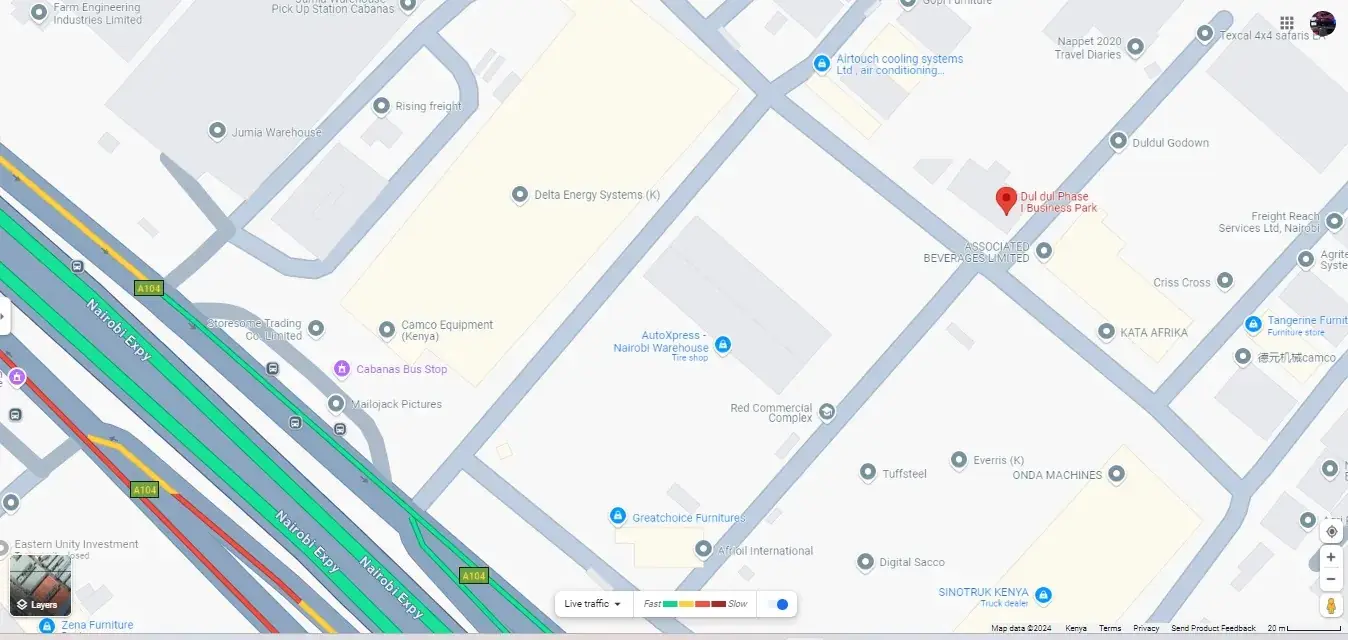
- Dul Dul Phase I Business Park, Ground Floor, Mombasa Road, Nairobi
- Phone and WhatsApp
- +254 737 283 113
- info@saccotek.co.ke
- Hours
- Monday to Saturday, 8am to 7pm